Cost of App Development With AI vs. Without AI
Explore the real cost of building an app with AI compared with traditional, human-led development. This article breaks down how AI affects planning, design, coding, testing, infrastructure, hiring, and overall development time and costs. It also examines where AI can create meaningful savings—and where human expertise remains essential—helping founders and businesses choose the right development approach for their goals, budget, and scale.
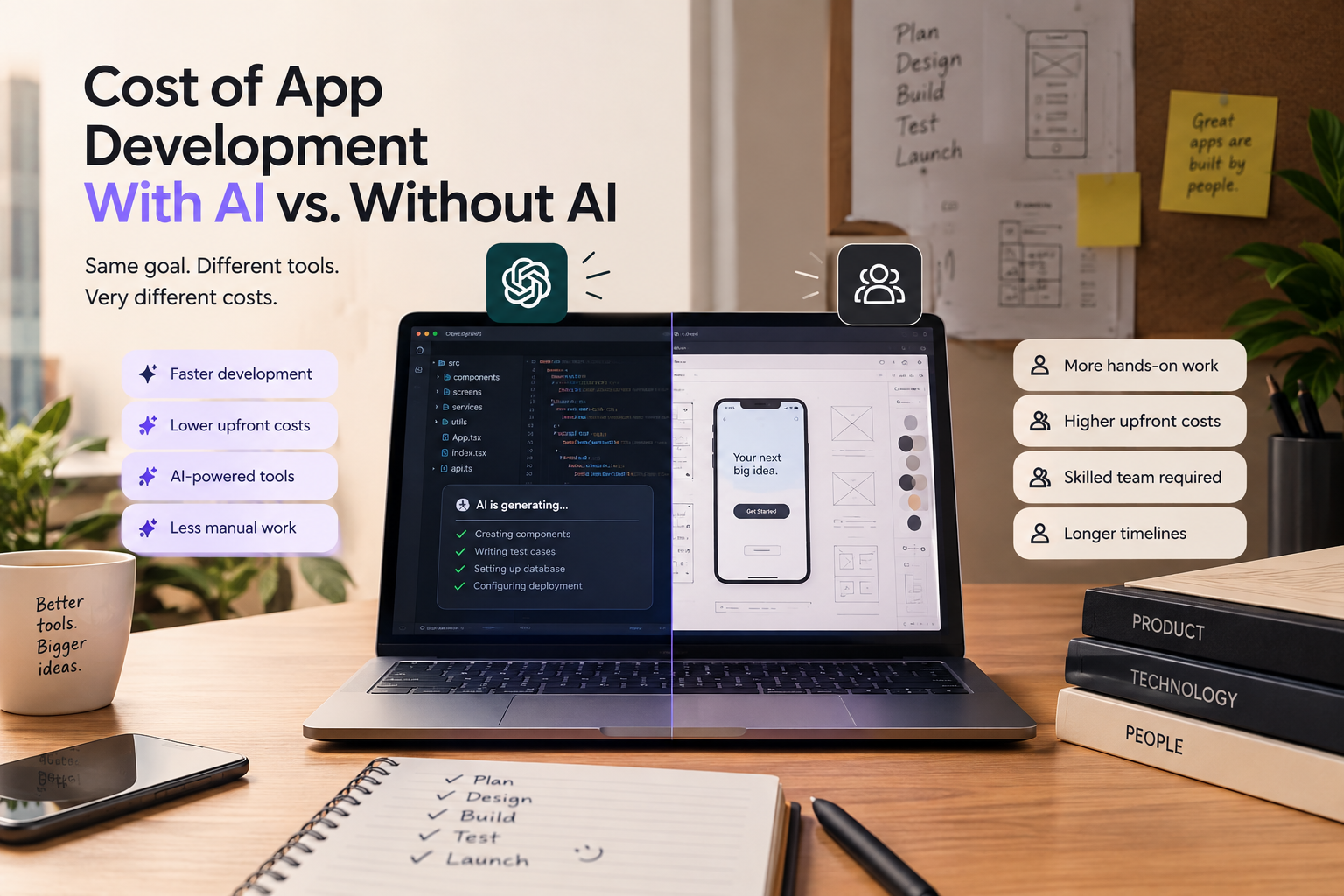
Cost of App Development With AI vs. Without AI
Introduction
If you're online at all, you've heard the phrase that makes developers flinch: "AI will take your job" 😅. We're not here to relitigate that today. We're here to answer a more useful question, one that actually helps you make a decision instead of just scaring you.
Whether you're a non-technical founder who just wants to own an app, or a small/big company trying to decide whether to lean further into AI-driven development or go back to a fully human-driven team. The real question is: what will it cost you to build your next application with AI vs. without it?
Let's Dive in 🥽
What Is App Development, Really?
App development is the step-by-step process of designing, building, testing, and launching software apps that run on phones, computers, or the web.
Before we compare costs, we need to understand the five stages every app goes through. This matters because "AI vs. no AI" doesn't mean the same thing at every stage.
The 5 Stages Every App Goes Through
- Planning — This is where you identify the problem you're solving, define who the app is for, scope out features, and map a rough budget and timeline. Get this stage wrong and everything downstream costs more.
- Designing — This is where the problem becomes a visual and structural blueprint: wireframes, user flows, UI screens, and the overall look and feel of the product.
- Building — This is the actual engineering: writing the code, setting up the database, connecting the backend to the frontend, and wiring up any third-party services (payments, authentication, APIs, etc.).
- Testing — This is where you catch bugs, check performance, confirm the app behaves correctly across devices, and make sure it's secure before real users touch it.
- Launching — This is deployment: pushing the app to app stores or the web, setting up monitoring, and handling the first wave of real-world usage and feedback.
Now that we've defined the stages, let's walk through what changes at each one when AI enters the picture.
The Development Lifecycle: AI vs. No AI, Stage by Stage
Stage
Without AI
With AI
Planning
Manual market research,human-led requirement gathering, spreadsheets
AI tools help draft requirement docs, summarize competitor research, and generate rough scope/estimates in hours instead of days
Designing
Designers manually build wireframes and UI kits from scratch
AI design tools (and AI-assisted design software) generate first-draft layouts, color systems, and component sets that designers refine
Building
Developers write every line by hand, stack by stack
AI coding assistants (Cursor, GitHub Copilot, Claude Code, and similar) generate boilerplate, write functions from prompts, and can autonomously handle whole tasks with human review
Testing
QA engineers write and run test cases manually
AI can generate test cases, catch regressions, and flag likely bugs — though human QA is still needed for edge cases and real-world judgment
Launching
Manual deployment scripts and monitoring setup
AI-assisted DevOps tools can automate deployment pipelines and flag anomalies post-launch faster
The short version: AI doesn't replace a stage, it compresses the time and, in some cases, the headcount needed to get through it.
Pros and Cons: AI-Driven vs. Human-Driven Development
Time
AI's time advantage is real but not as clean as the marketing suggests. A 2024 Microsoft-backed study on GitHub Copilot found developers completed a defined coding task 55.8% faster with AI assistance, and a broader survey found 73% of Copilot users completed tasks faster, saving roughly 1.2 hours a week on average.
But a 2025 randomized controlled trial by METR told a more complicated story: experienced developers working in large, established codebases they knew well actually took 19% longer when using AI tools — despite predicting (and later believing) AI had made them faster. Google's 2024 DORA report found a similar tension: 75% of developers feel more productive with AI, yet every 25% increase in AI adoption was linked to a small dip in delivery speed and stability. Newer 2026 data from DX, tracking 400+ organizations, puts the realistic gain at a median of 7.76% in PR throughput — meaningful, but nowhere near the "3x" some vendors promise.
Takeaway: AI speeds up greenfield builds and boilerplate-heavy work dramatically. On complex, unfamiliar, or legacy codebases, the time savings shrink — and can even reverse if teams aren't trained well.
Infrastructure
Without AI, your infrastructure needs are the classic ones: servers, databases, CI/CD pipelines, and a team that manually maintains all of it.
With AI in the loop, you add a new infrastructure layer: model API costs, token usage monitoring, and (for AI-native products) inference costs that scale with your user base rather than staying flat like a traditional server bill. This is a genuine trade-off — AI tooling lowers your people infrastructure needs but raises your usage-based costs, especially at scale.
Economic Impact
For individuals and small businesses, AI has genuinely lowered the barrier to owning an app, letting a non-technical founder go from idea to a working prototype cheaply using no-code AI tools — something that simply wasn't possible a few years ago.
For companies, the picture is more mixed. AI tooling reduces the hours needed per feature, which is good for margins, but it hasn't eliminated the need for skilled engineers — it's shifted what they spend time on, from writing boilerplate to reviewing, architecting, and integrating.
Recruitment Pipeline
This is the part that actually validates the fear behind "AI will take your job" — though not evenly.
Stanford's Digital Economy Lab, using payroll data through mid-2025, found that entry-level software engineering job postings in the US dropped 67% between 2023 and 2024, and that employment for developers aged 22–25 fell nearly 20% from its late-2022 peak — while developers aged 30+ in the same fields saw employment grow. Separately, SignalFire's research found new graduates made up just 7% of big tech hires in 2024, down more than 50% from pre-pandemic levels, and dropped to under 6% at startups.
But it's not one-directional. IBM announced plans to triple entry-level hiring in the US in 2026 , restructuring junior roles around AI-assisted, customer-facing work rather than routine coding. Cognizant and Cloudflare made similar moves, with Cloudflare scaling its internship program from about 60 people to over 1,100 for 2026 . Executives are split: some argue AI is closing the gap between junior and senior developers by handling the grunt work; others, including Anthropic's own leadership, have warned AI could eliminate a significant share of entry-level white-collar work within the next few years.
Takeaway: if you're hiring, AI-driven development changes who you need (fewer people doing routine implementation, more people doing review, architecture, and AI-output verification) more than it eliminates the need for people entirely.
So, Which Approach Should You Choose?
- Non-technical individual with a simple idea: Start with a no-code AI builder. Validate the idea before spending a cent on a dev team.
- Startup/small business needing something real but lean: AI-assisted human development — a small team using Cursor/Claude Code/Copilot to move faster than a fully manual build.
- Enterprise or a product with real scale, compliance, or integration needs: A dedicated human team using AI as an accelerant, not a replacement.
Conclusion
This article isn't here to tell you AI is replacing developers, or that AI-driven development is a silver bullet. The 2026 data shows something more useful than either extreme: AI has genuinely lowered the cost of getting started, but building something that scales, survives, and stays secure still leans heavily on human judgment — just applied differently than it was a few years ago.
Go with the approach that suits your goal, your budget, and your team'steam (or individual'sindividual) vision.
Thanks for Reading
Danke